
NestTend
NestTend is a home maintenance app by Gabo Apps. Add the appliances and systems in your home, set up recurring maintenance, and record what was done — so you can see what needs attention next and find past work when you need it.
Built around the questions every homeowner asks
Instead of sticky notes, manuals in a drawer, and receipts in a shoebox, NestTend answers the questions that come up when you own a home — in one place.
01
What needs attention?
02
What do we have?
03
When is it due?
04
What was done?
05
Who did it and what did it cost?
06
When should I be reminded?
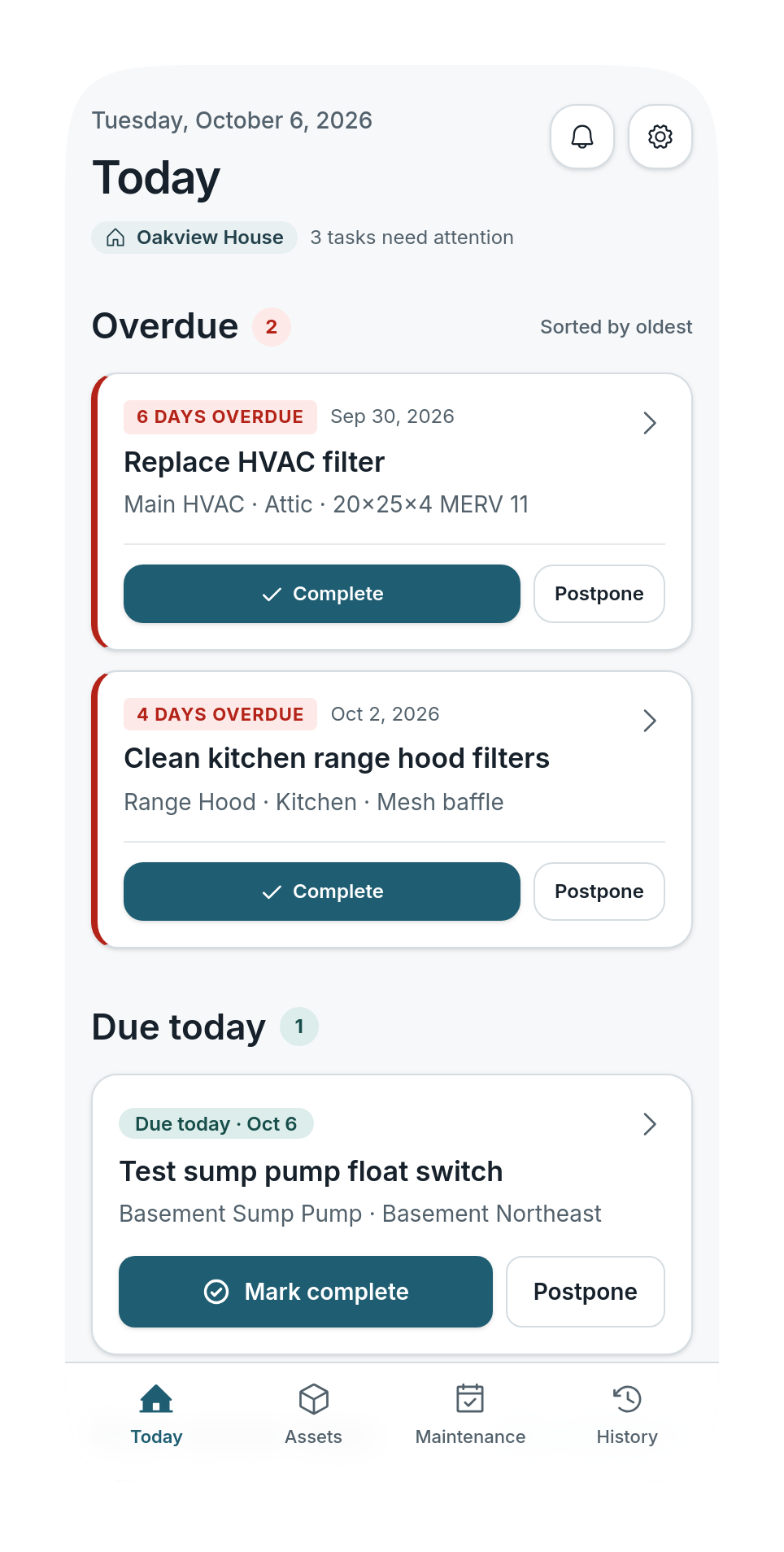
Today
See what needs attention next
Today shows overdue work first, then what's due today and in the next seven days. Each task shows the work to do, the appliance or area it belongs to, and its due date.
- Overdue work always surfaces first
- Due today and the next seven days, in one list
- Every task tied to an appliance or area
Click to expandAppliances & Systems
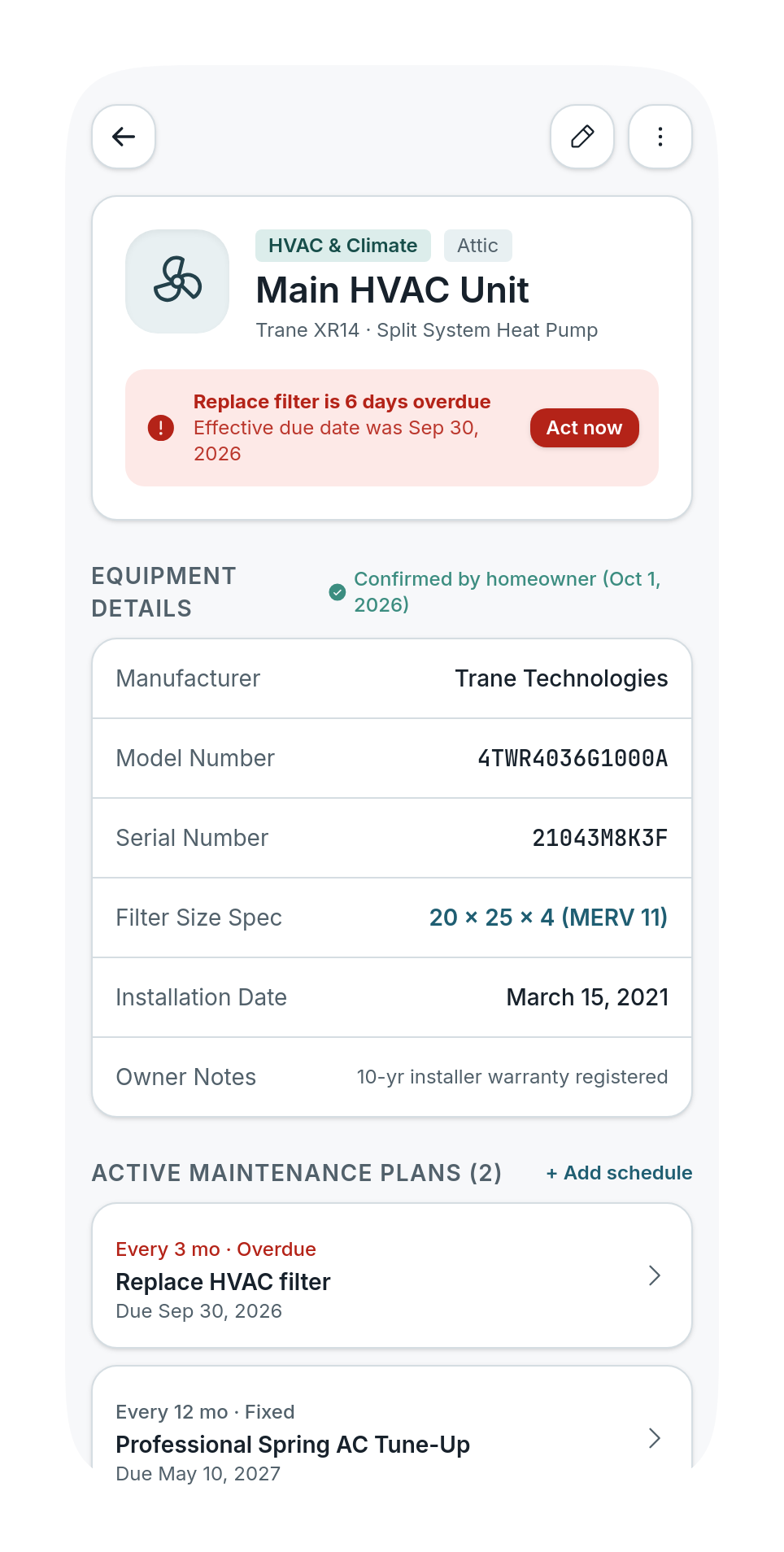
Keep your equipment in one place
Add a furnace, water heater, sump pump, or any other appliance or system with just a name and category. Fill in the rest whenever you have it — nothing is required until you know it.
- Manufacturer, model, and serial number
- Installation date, location, and notes
- A photo of each appliance or system
 Click to expand
Maintenance Plans
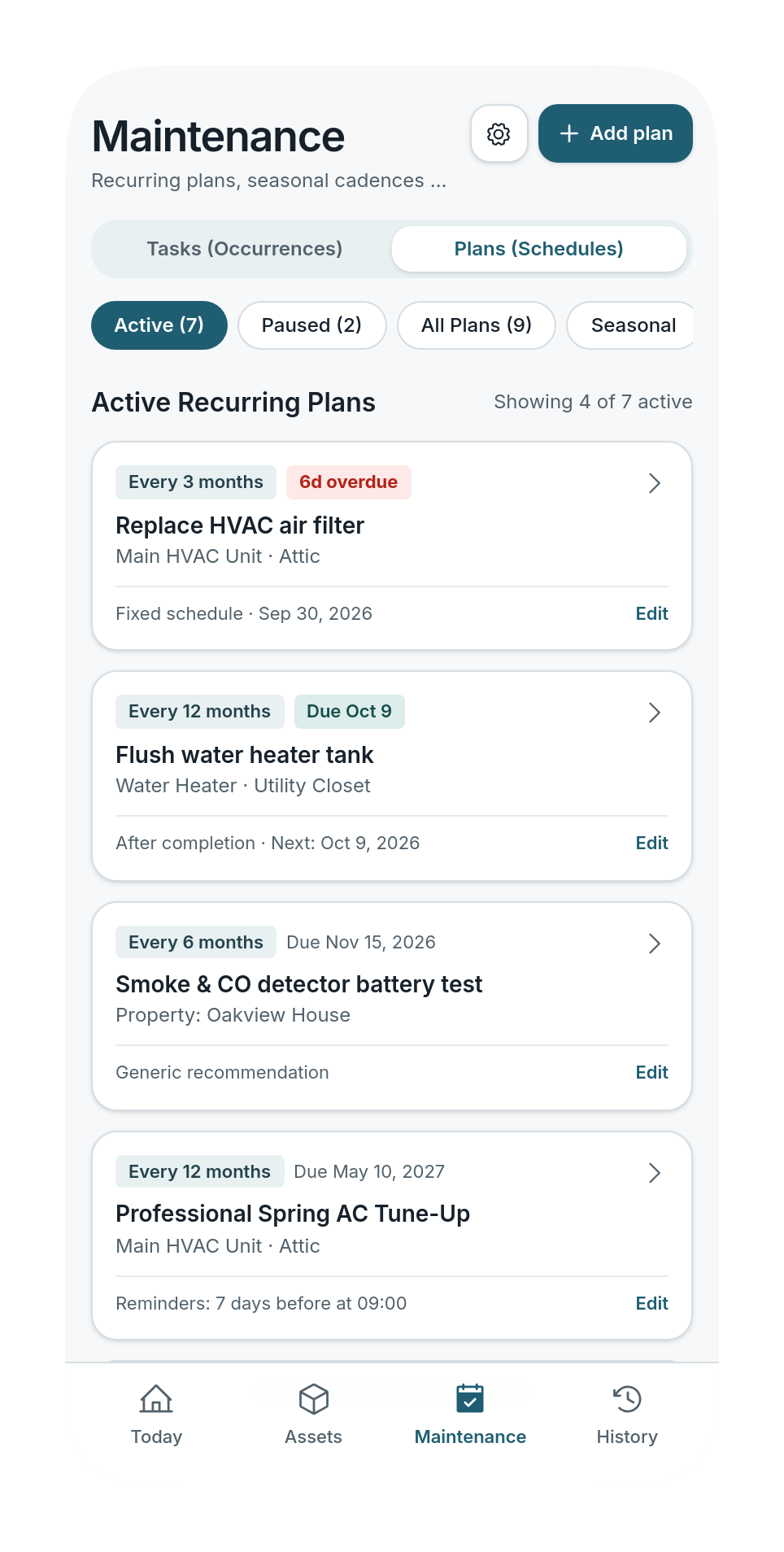
Schedule maintenance your way
Start from suggested schedules for common equipment, or create your own tasks for anything in or around your home. Suggestions are generic, clearly labeled, and only added once you review and confirm them.
- Fixed calendar dates or count from the day the work is done
- Postpone a task or skip a single occurrence
- Pause a plan without losing track of it
 Click to expand
Record the Work
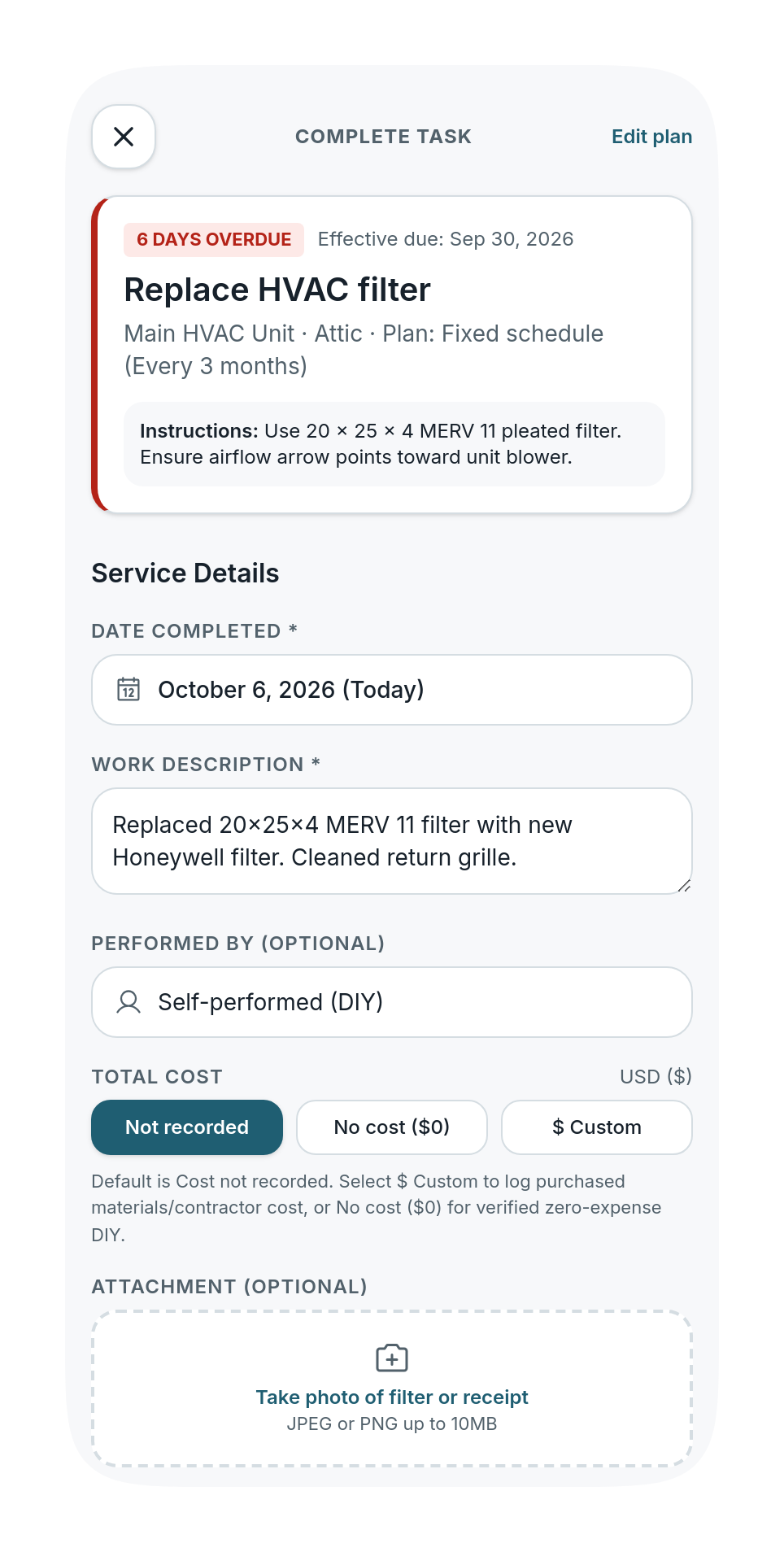
Log it once, know what's next
Mark a task complete with the date, a description, who did it, the cost, notes, and a photo. NestTend shows the next due date before you save — and you can log repairs too, even when they weren't scheduled.
- Date, provider, cost, notes, and photo per record
- Next due date shown before you save
- Unscheduled repairs logged alongside planned work
 Click to expand
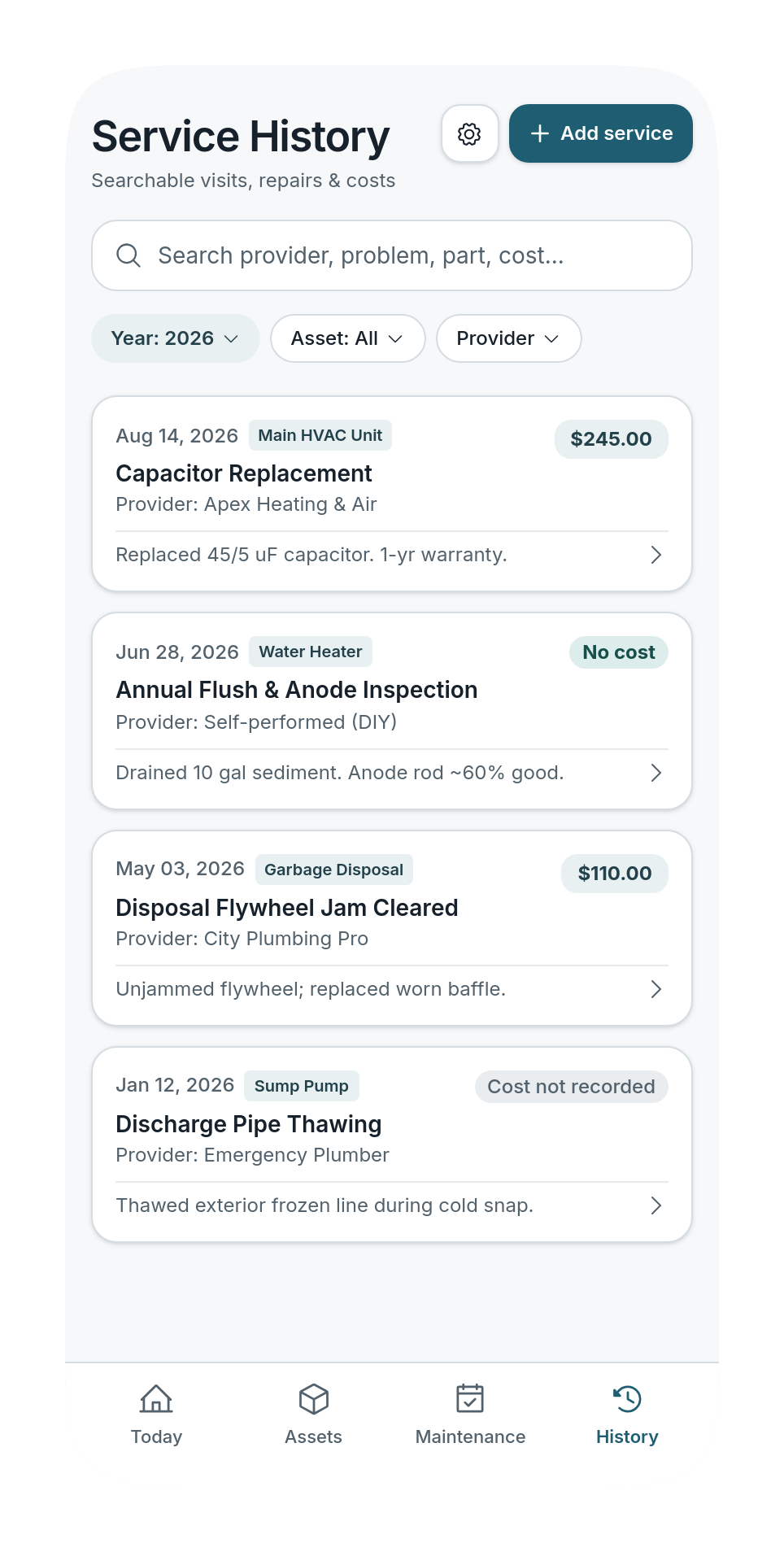
Service History
A service history you can search
Find past work by description, provider, or appliance, and filter by year or type. Costs are kept exactly as you record them — "no cost" and "cost not recorded" are never confused.
- Search by description, provider, or appliance
- Filter by year or type of work
- Totals only include the costs you entered
 Click to expand
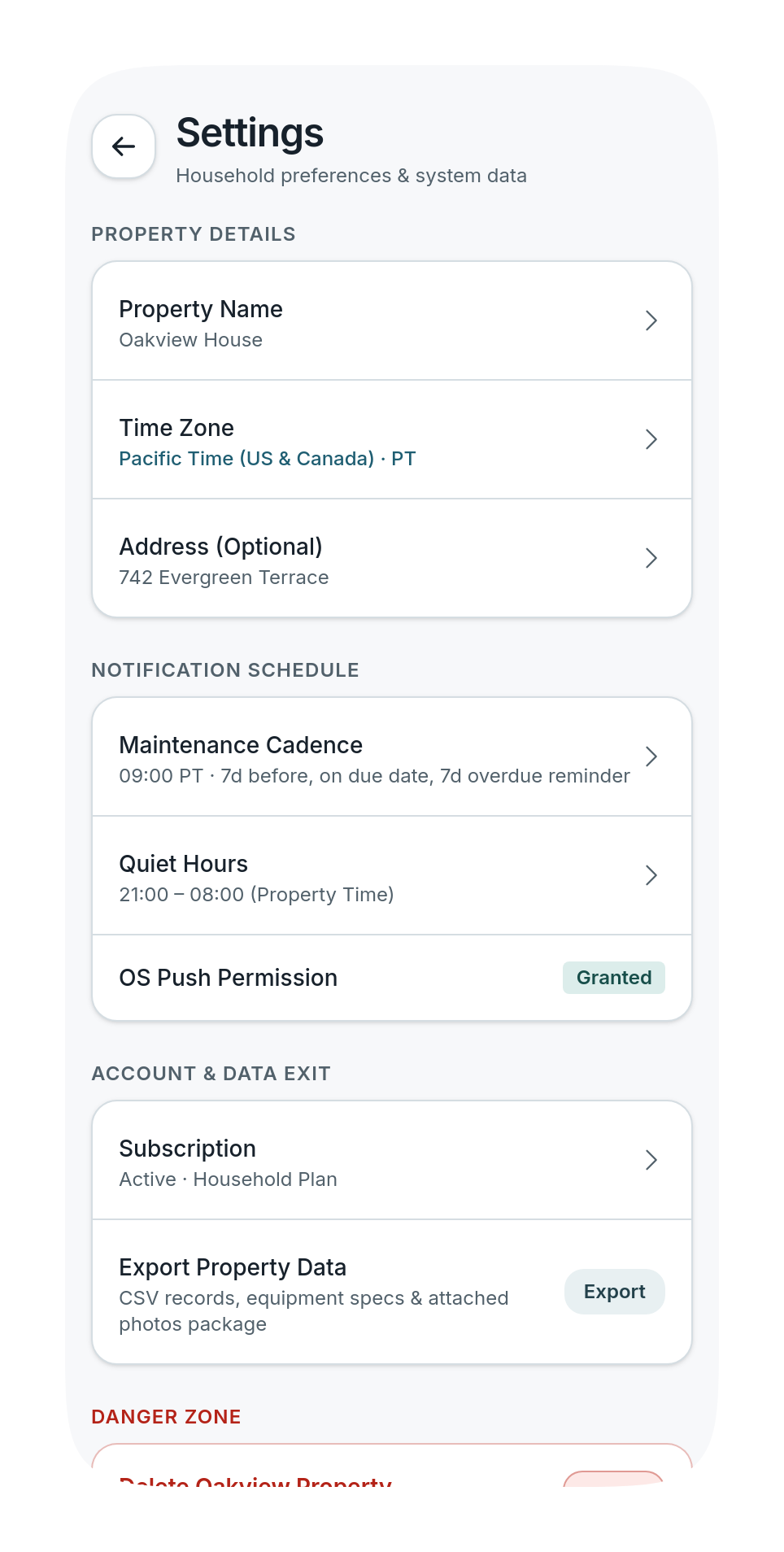
Reminders
Reminders on your schedule
Get optional reminders a week before, on the due date, and a week later if work is still open — at a time you choose, with quiet hours. Everything due is always visible in the app, with or without notifications.
- Before, on, and after the due date
- Your chosen time, with quiet hours
- Never includes your address, serial numbers, or costs
 Click to expand